
SIN
Personal AI OS
A local intelligence layer for your computer.
SIN runs a language model on your own machine, remembers what you tell it, keeps your tasks and reminders, and stops for your approval before it does anything to your computer. No account. No cloud. Nothing leaves the window unless you send it.
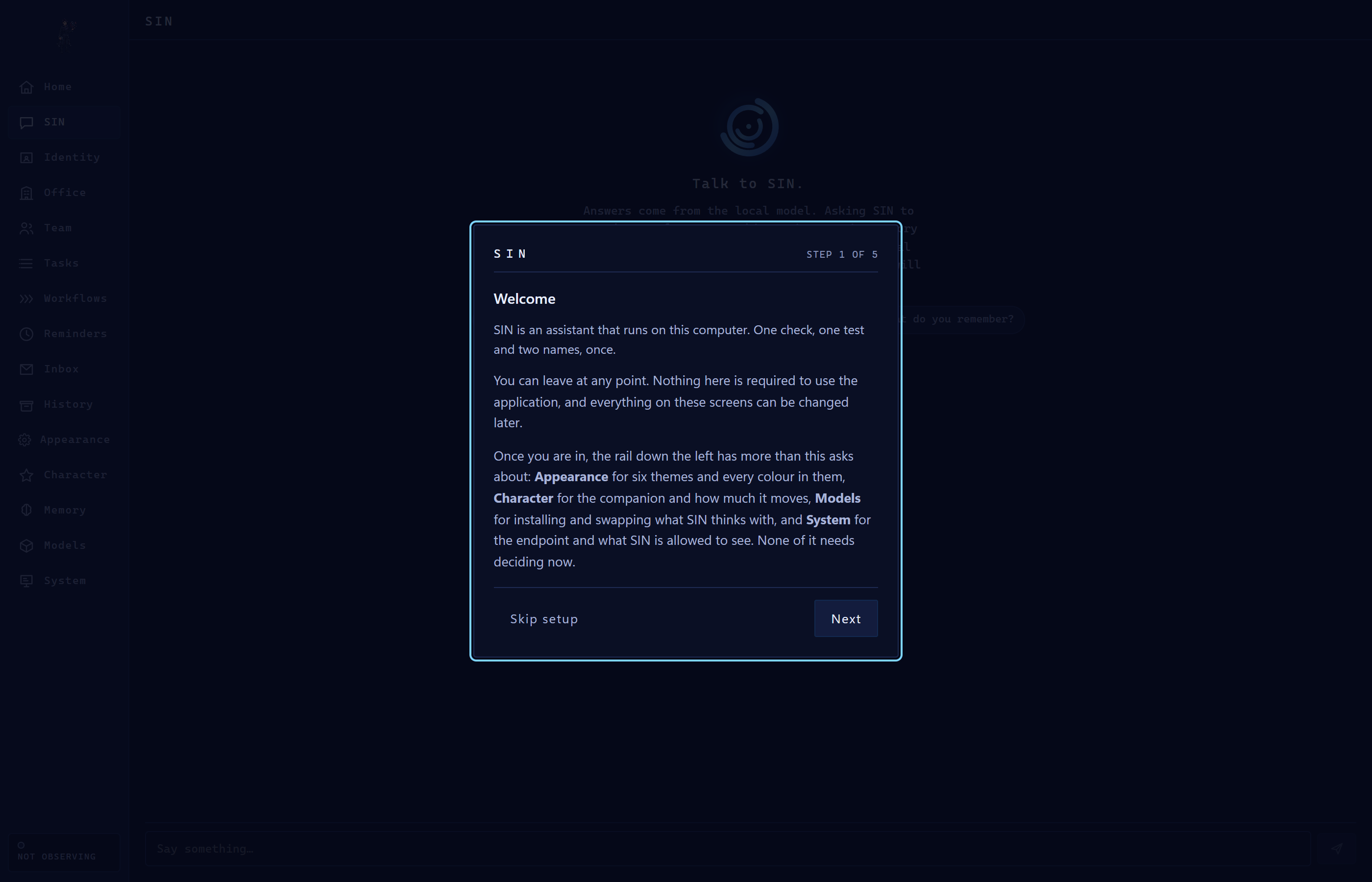
Most assistants are a website with a login. This one is a program on your computer that happens to think.
What SIN actually is
A desktop application, a local model, and a hard line about what it may touch.
It runs on your machine
SIN talks to a model served locally by Ollama, on your hardware. SIN can start that runtime for you without opening a terminal. The address it talks to is locked to your own computer and cannot be pointed elsewhere from the interface.
It stops before it acts
Anything that touches your files, your screen or your programs is proposed and waits. Refusals are stated in words, not error codes. Every action is checked after it runs, not just before.
It remembers
Conversations survive moving around the app. Tasks, reminders and notes persist between sessions in a database on your disk. Nothing is uploaded to keep it.
It has a team
Agents you create get a generated name and a personality drawn from twelve bounded traits. Personality shapes how they write. It never grants them permission to do anything — that boundary is structural.
How fast it is, measured
We publish the numbers rather than the adjective.
Measured on a desktop with a 14-billion-parameter model, using the runtime's own timing counters. Your hardware will differ; that is the point of saying which hardware.
2.0 seconds
Short answers with deliberation switched off. Five times faster than the default, and the reply is about as long.
10.3 seconds
The model's own default: it thinks first, then answers.
15.3 seconds
Deliberation encouraged and the token budget doubled. Roughly 55% more thinking than Normal.
~23 seconds
Once, on a machine that just booted: 5s to start the runtime, 7.5s to load the model, then the first answer. Every turn after that is warm.
Where your data goes
Three connections, and you can name all of them.
Your own computer
Every conversation goes to a model on 127.0.0.1. That address is
enforced in code and cannot be changed to a remote host from the interface.
This website, for updates
SIN asks whether a newer version exists, at most every six hours. It sends its version number and nothing else — no identifier, no account, no usage data.
Whatever you ask for
Web search and model downloads reach the internet because that is what you asked them to do. Nothing else does.
Desktop Environment
Authentic desktop workspace captures.
Explore the views and interfaces of SIN Agent running live on Windows 10 and 11.
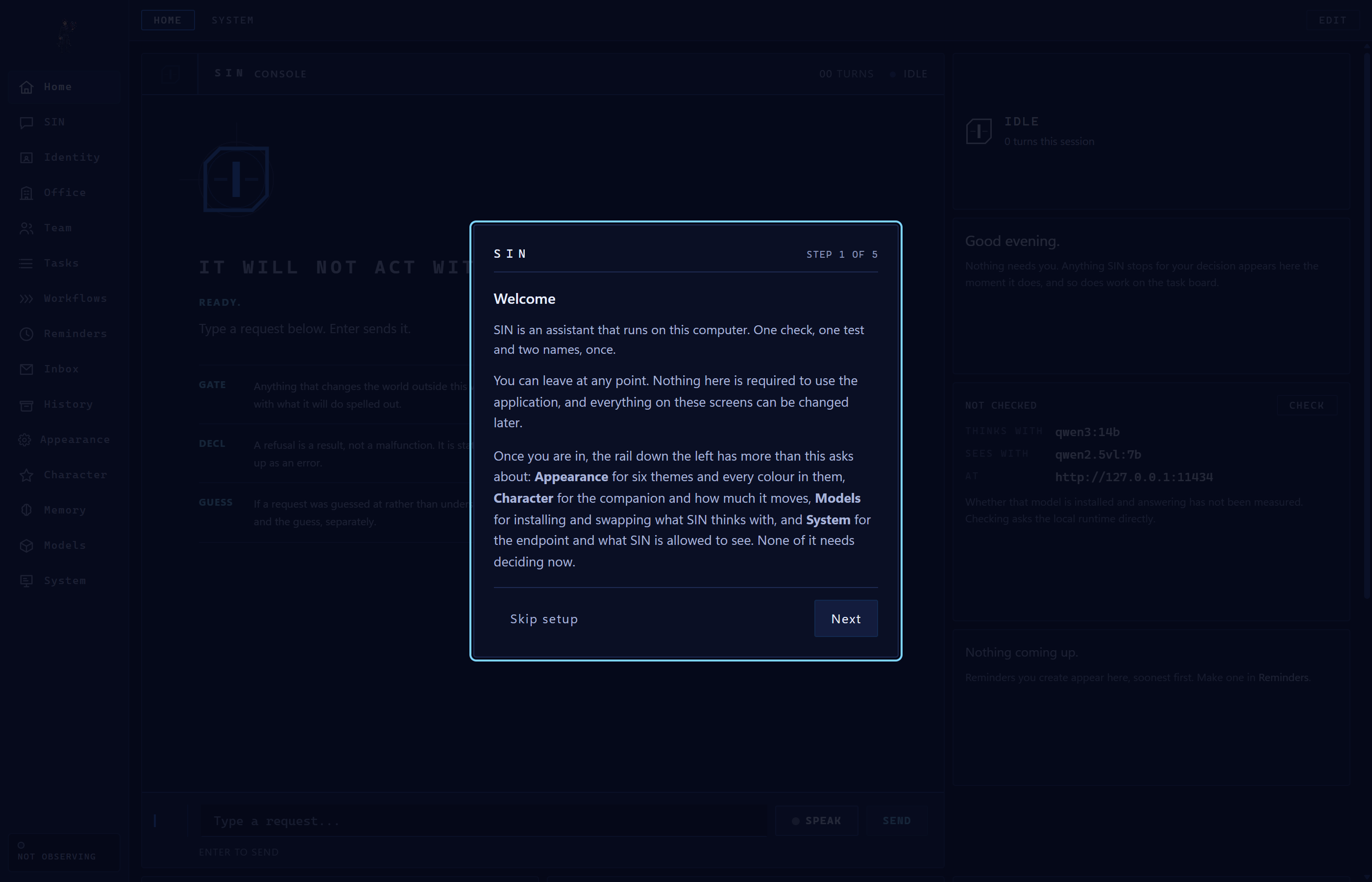
Personal Cognitive Workspace
Configurable widget board, quick scratchpads, task boards, and active companion presence.
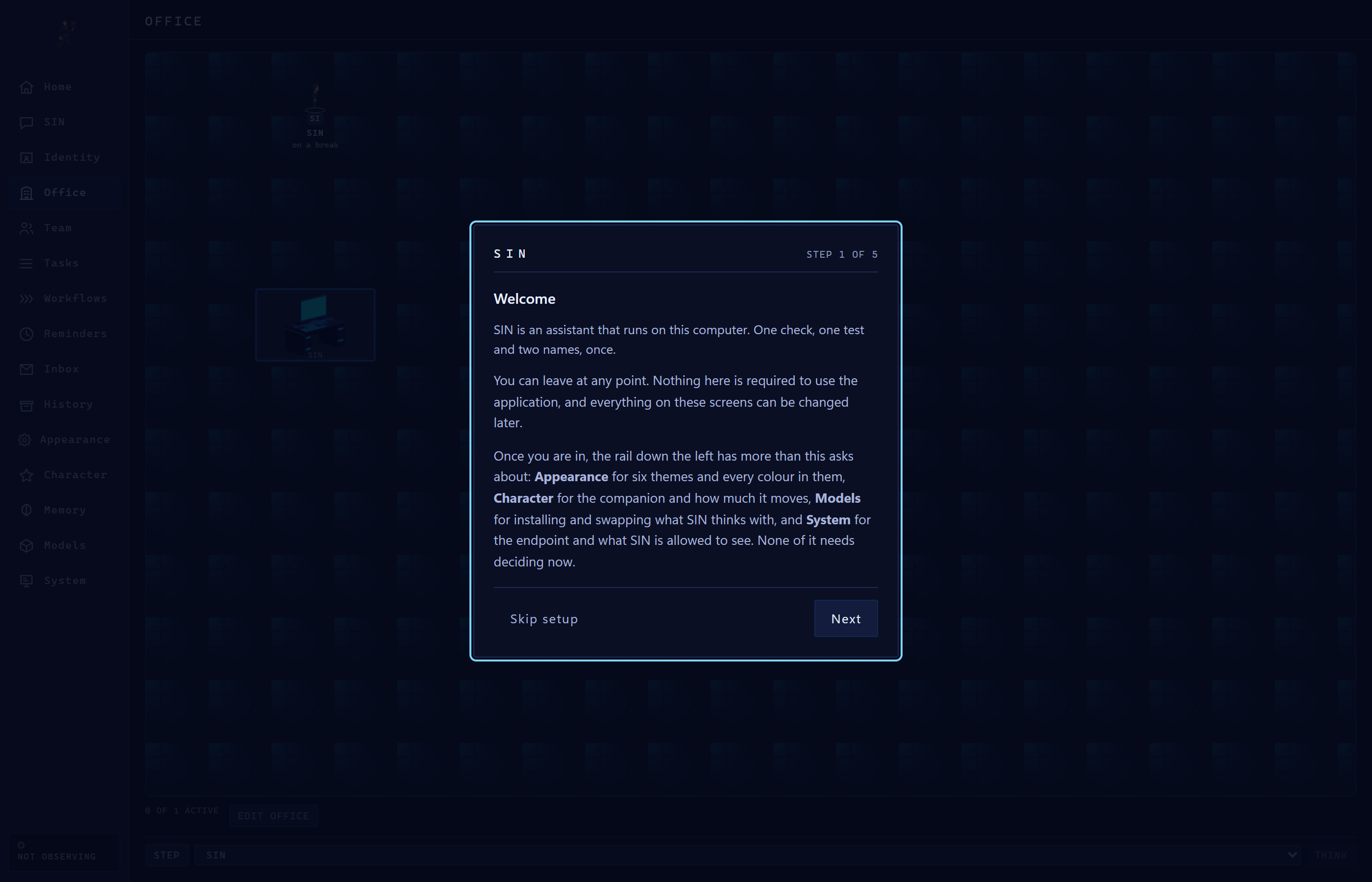
Autonomous Office Environment
Real-time visual office telemetry, companion state, and active deliberation monitors.
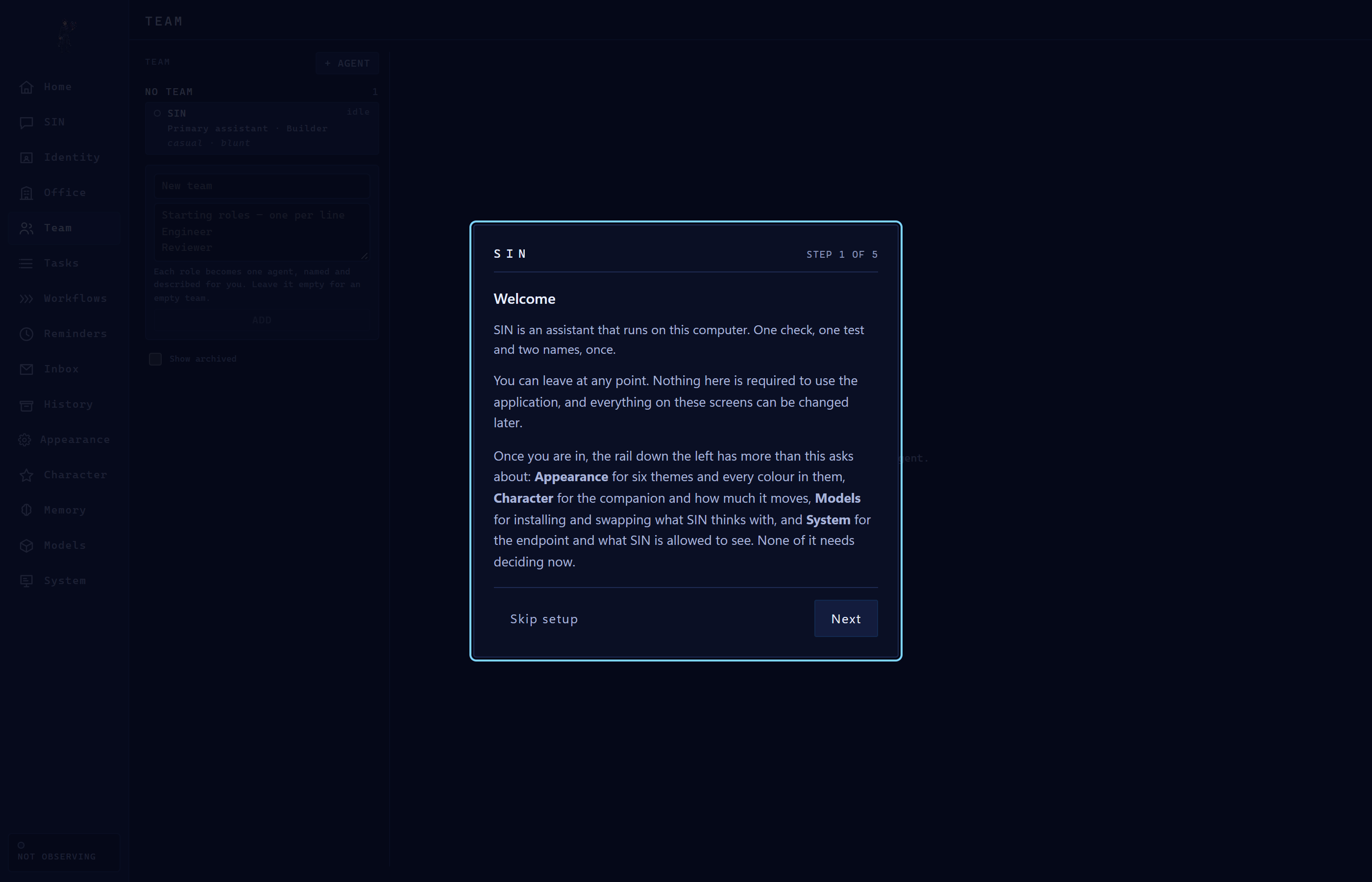
Specialized Team & Fleet Roster
Orchestrate specialized cognitive persona roles with bounded traits and distinct operating focus.
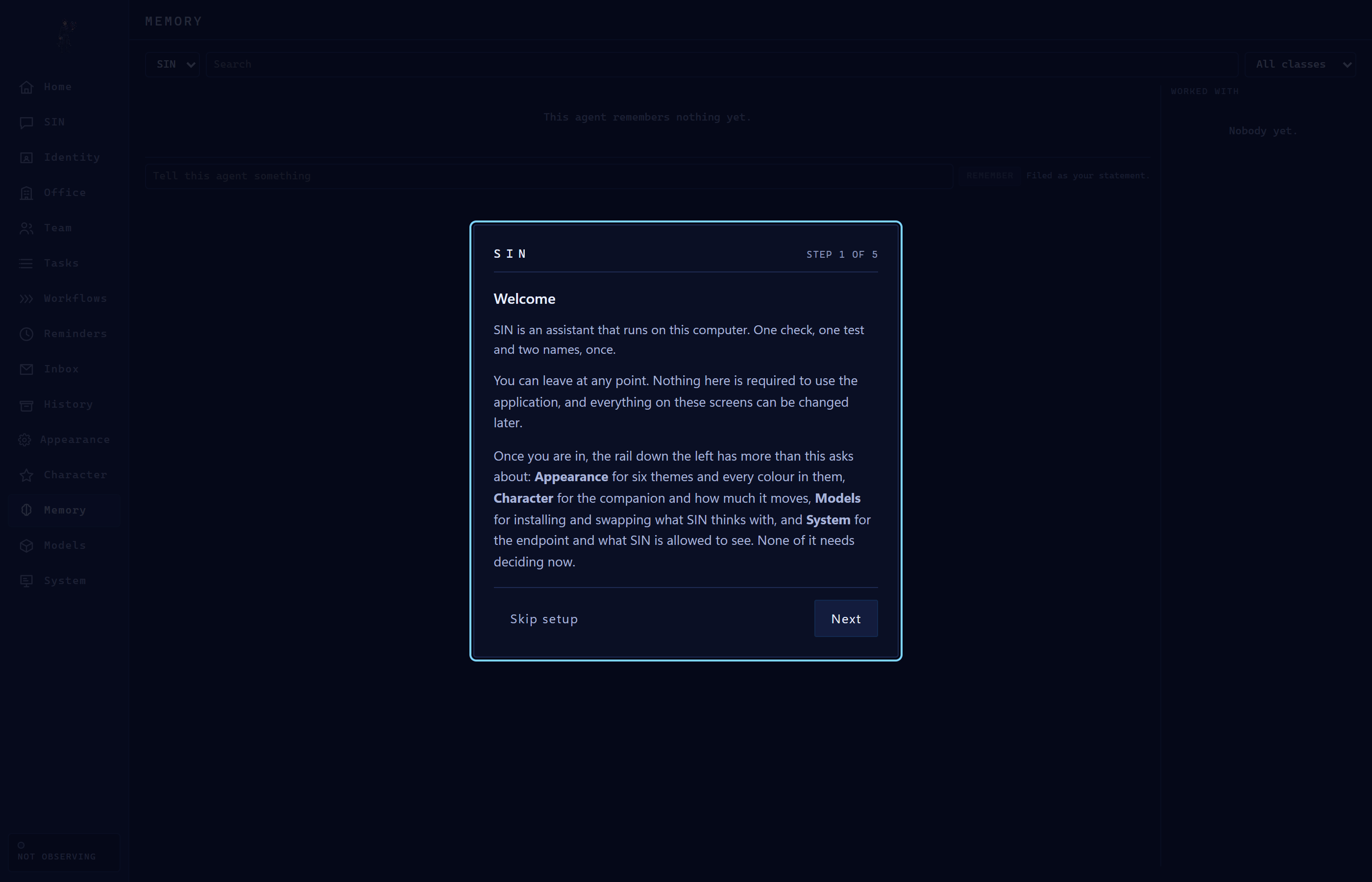
Associative Semantic Memory
Inspect stored facts, user preferences, and historical session knowledge saved locally in SQLite.
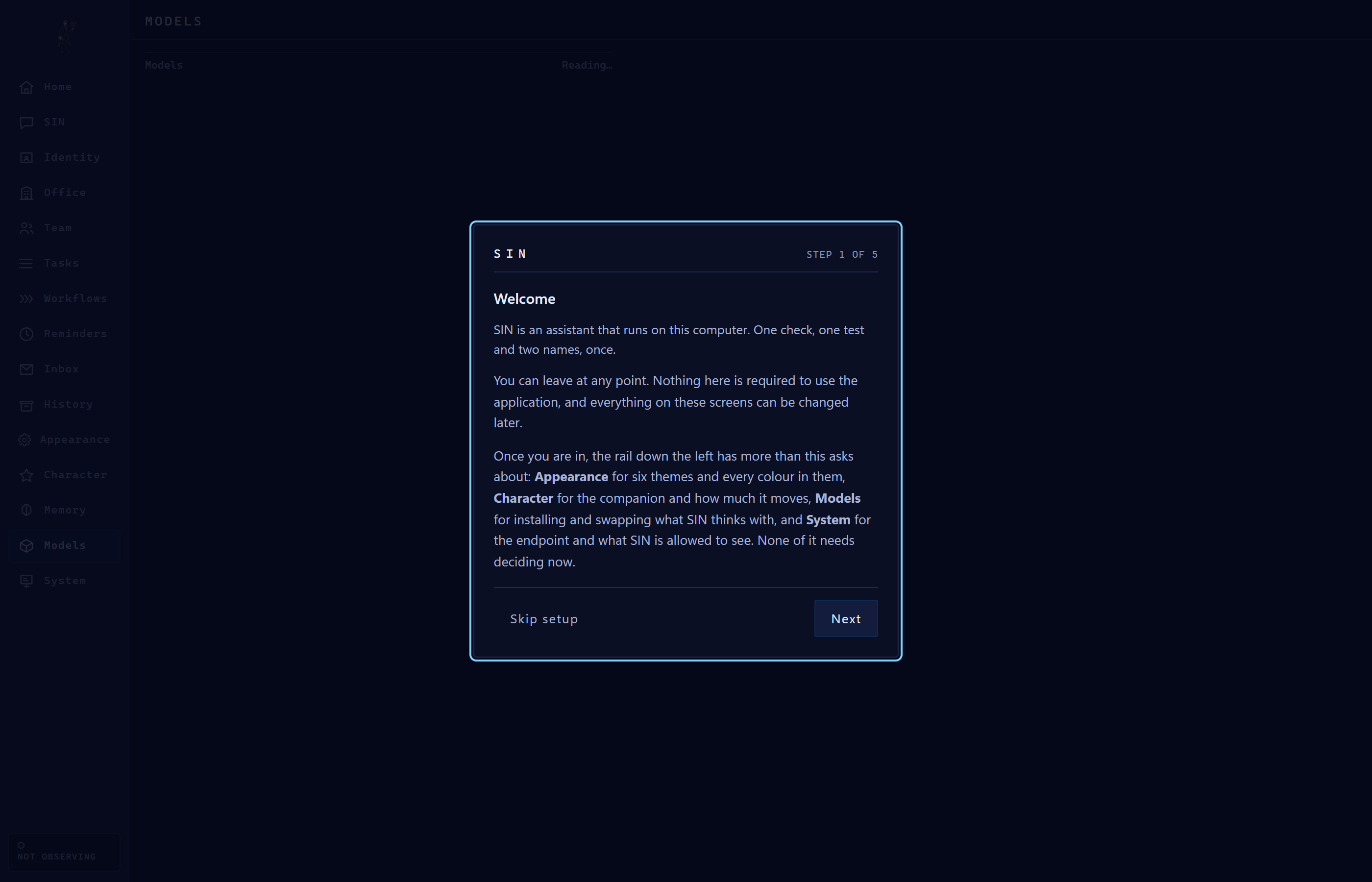
Local Models & Runtime Manager
Browse, install, and configure local models with real-time download progress and zero cloud locks.
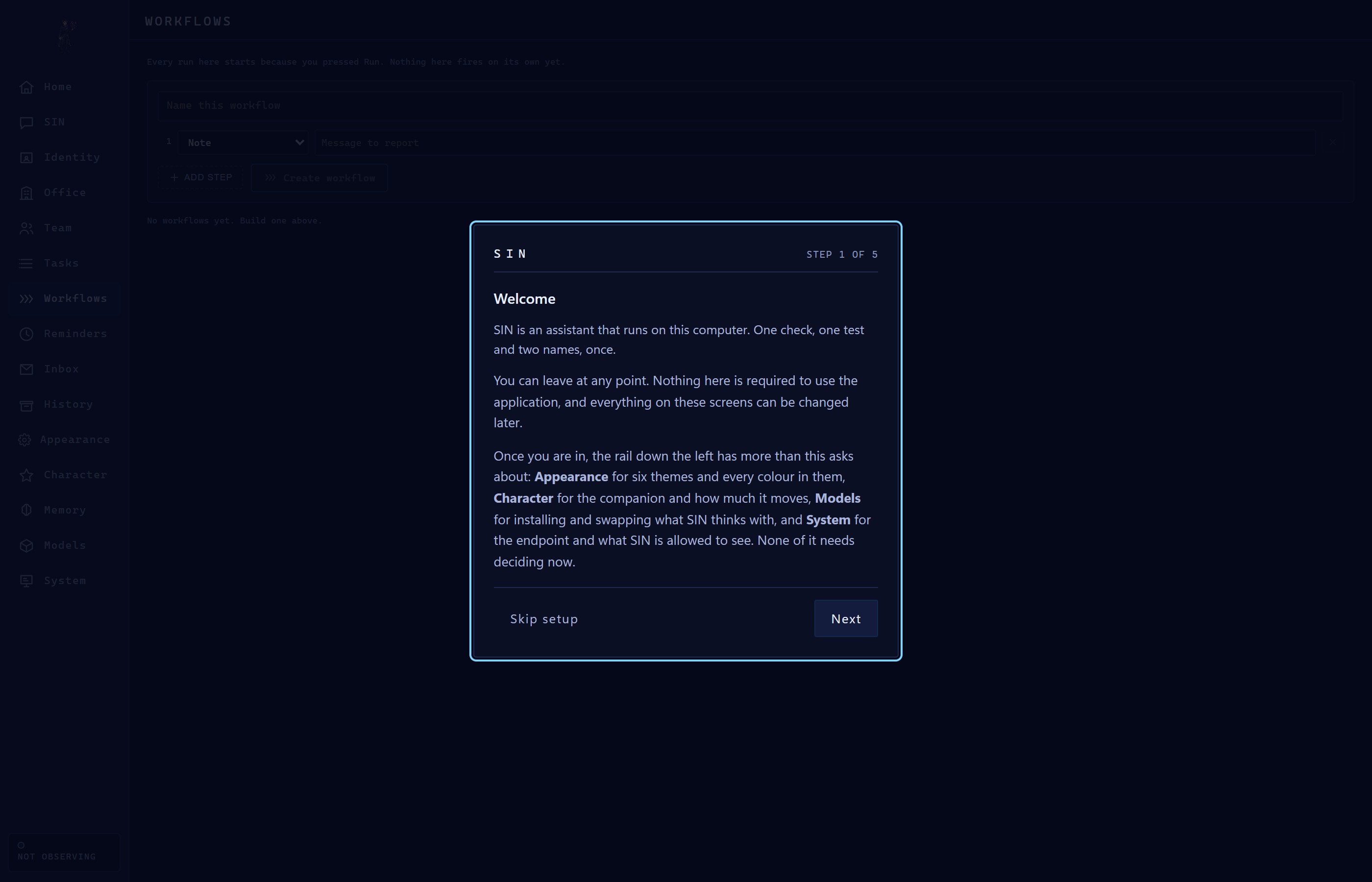
Workflows & Chained Automations
Multi-step execution pipelines with human approval gates, scheduled triggers, and step audits.
SIN
Version 0.8.1, released 2026-08-25. Windows 10 or 11, 64-bit.
Install via BackEnd Hub ↓ Release notes